












+30%
FPS Boost
0.0ms
Input Delay
0ms
Network Ping
System scan
Reads your rig.
DuckyTech reads your exact hardware - GPU, CPU, RAM and peripherals - and tunes around it.
Run a scan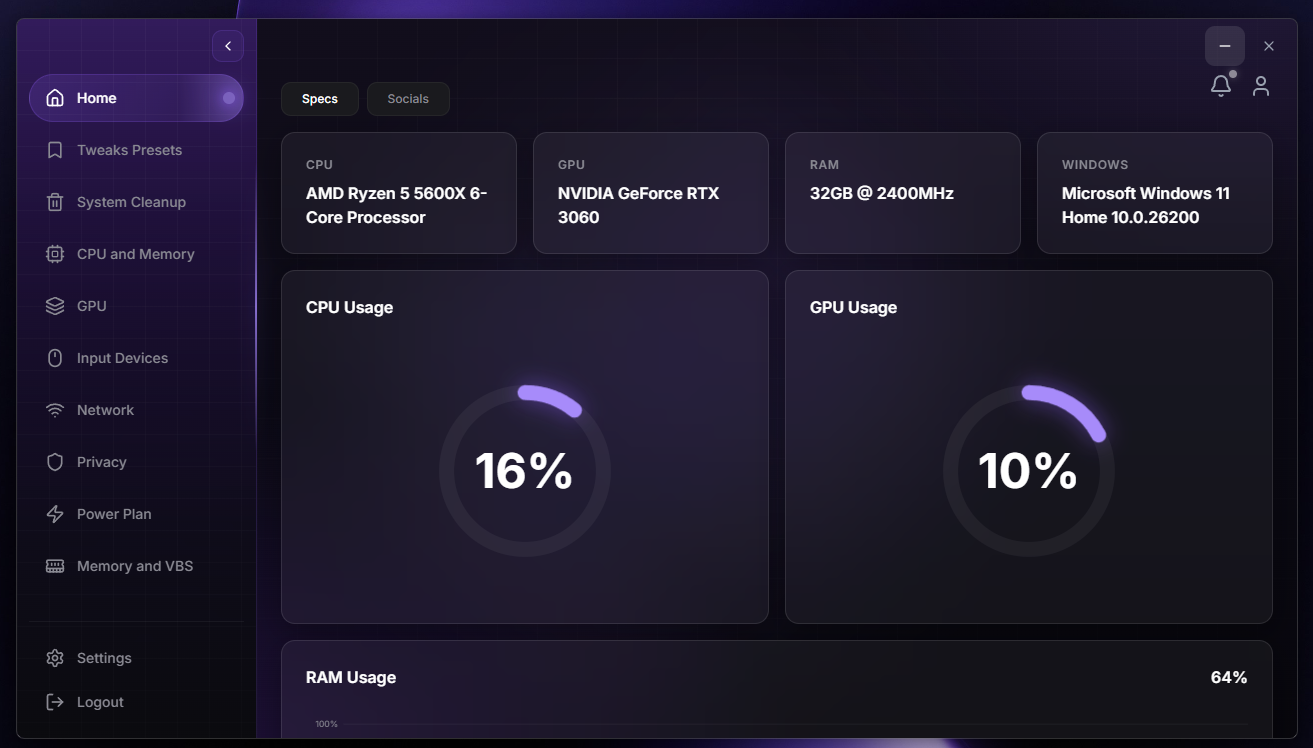

Optimize Your System
DuckyTech reads your hardware live and applies safe, reversible tweaks across CPU, GPU, memory and network - turning a cluttered rig into a clean, fast machine in a single click.
Open the dashboard
Tailored Services
Per-game profiles, custom tweak presets, and hands-on tuning built around your exact setup and the titles you actually play.
See what's included
System latency
Reduce input lag & system latency.
Disable unnecessary background apps to free resources and maintain stable performance.
Before7ms
After1ms
Features
One app.
One app.
Every optimization.
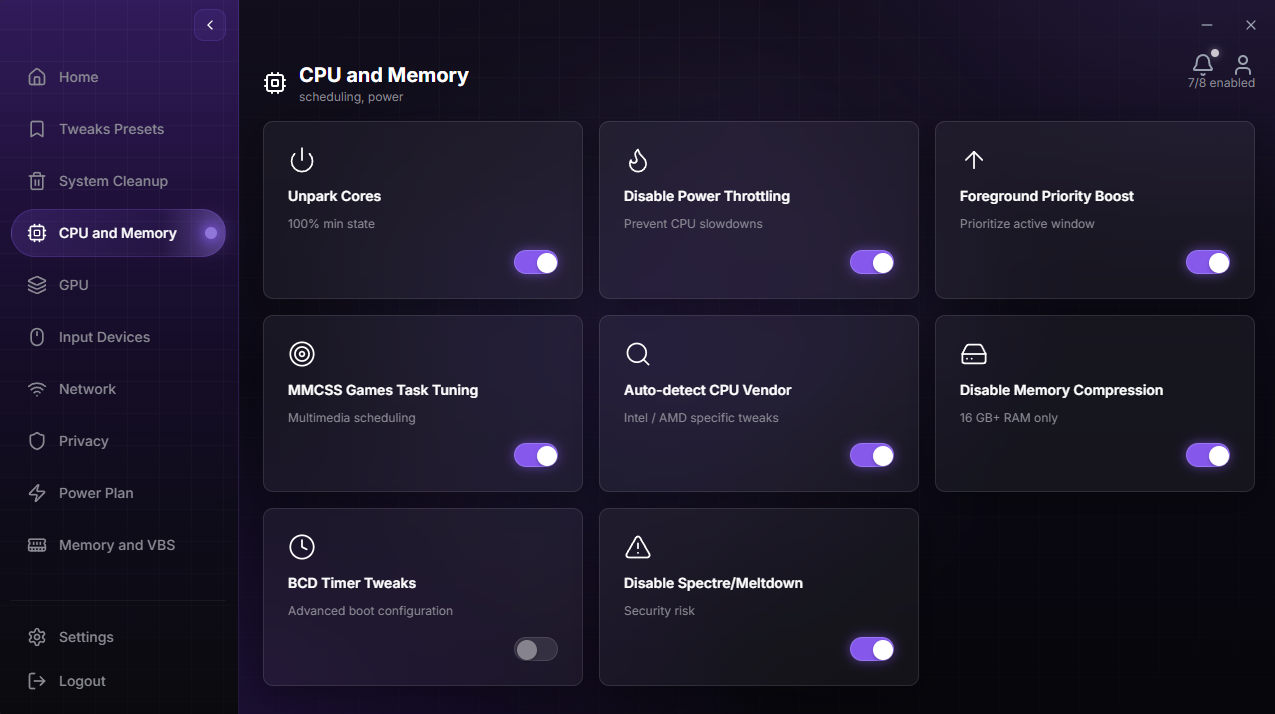
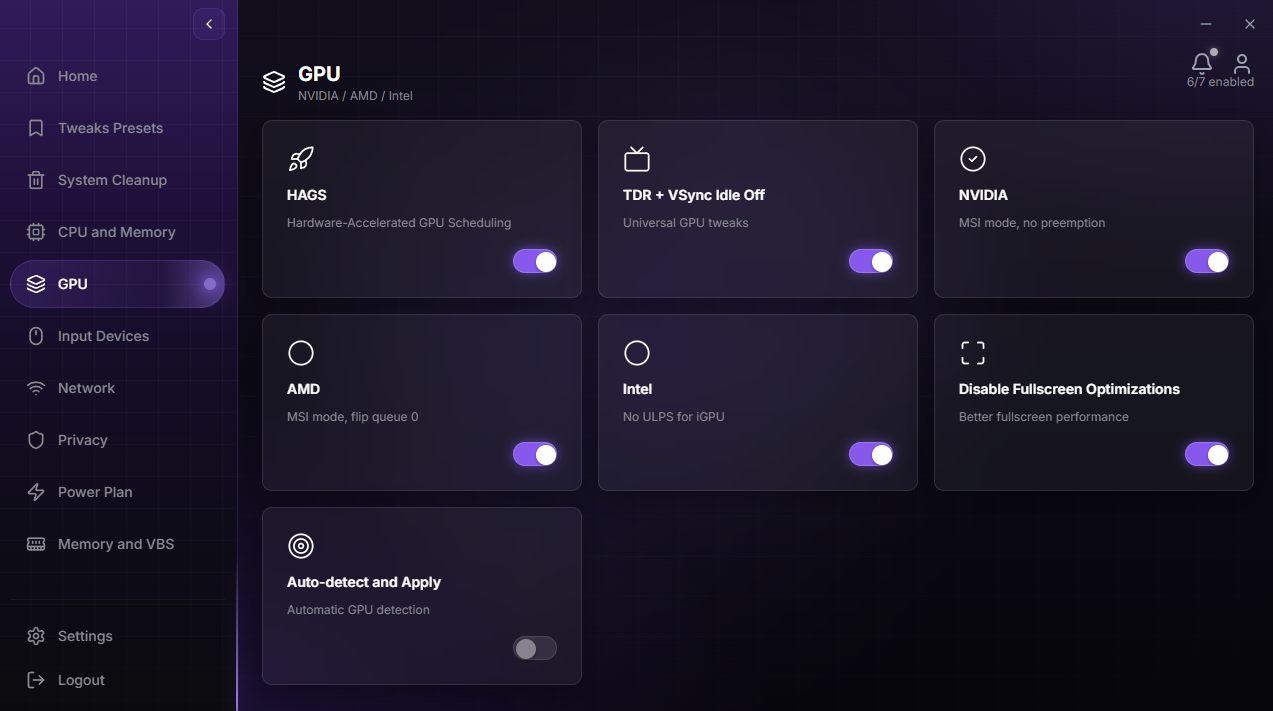
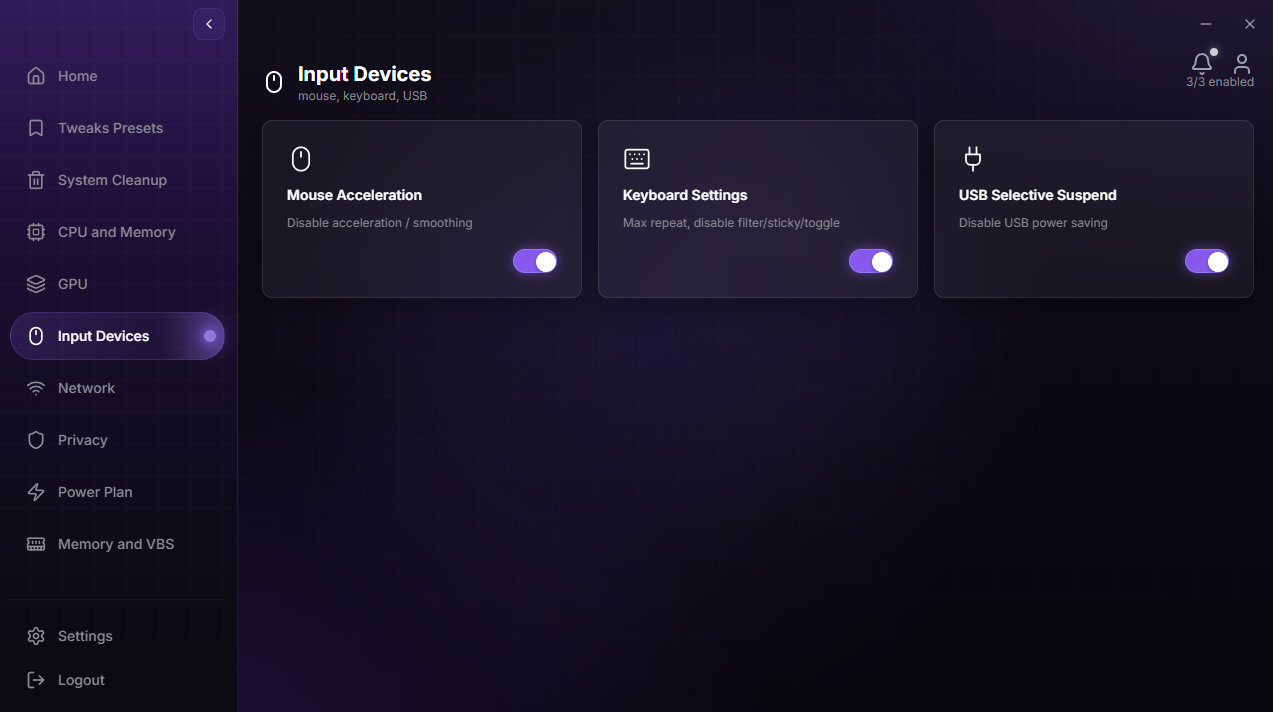
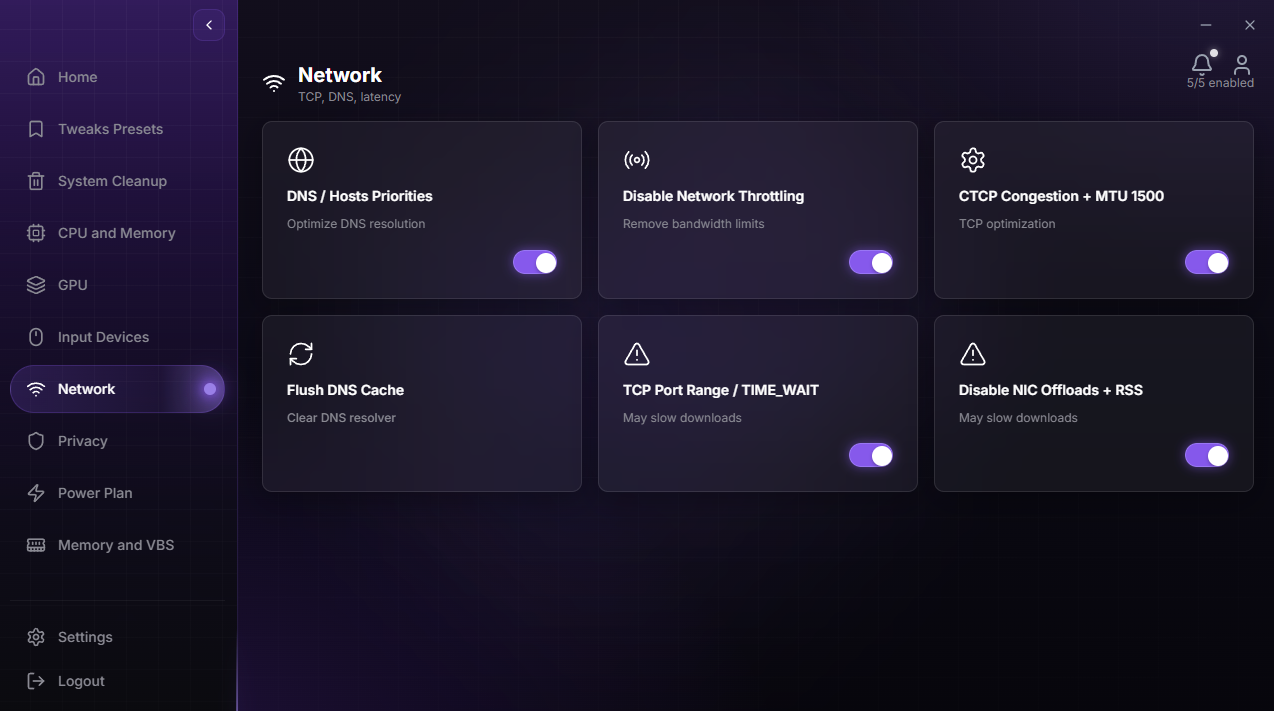
Everything DuckyTech tunes - CPU, GPU, memory and network - handled in one clean, reversible pass.
Get the app - $30One-click optimize
Apply safe tweaks across your whole system in a single press.
Made for Gaming
Automatically maximizes FPS and responsiveness in real time while you play.
Hardware tuning
Optimize CPU, GPU and memory at the hardware level for unmatched gains.
Network tuner
Lower ping with TCP, DNS, adapter and bufferbloat optimization built in.
RAM & startup cleaner
Reclaim memory and kill the background bloat quietly stealing your frames.
Safe & reversible
Every change is backed up and undone in one click. Nothing is permanent.
Setup
Faster in under a minute.
From first launch to optimized settings, the whole flow is built to feel instant, guided, and reversible.
Get Utility
See every screen.
See every screen.
Then make it yours.
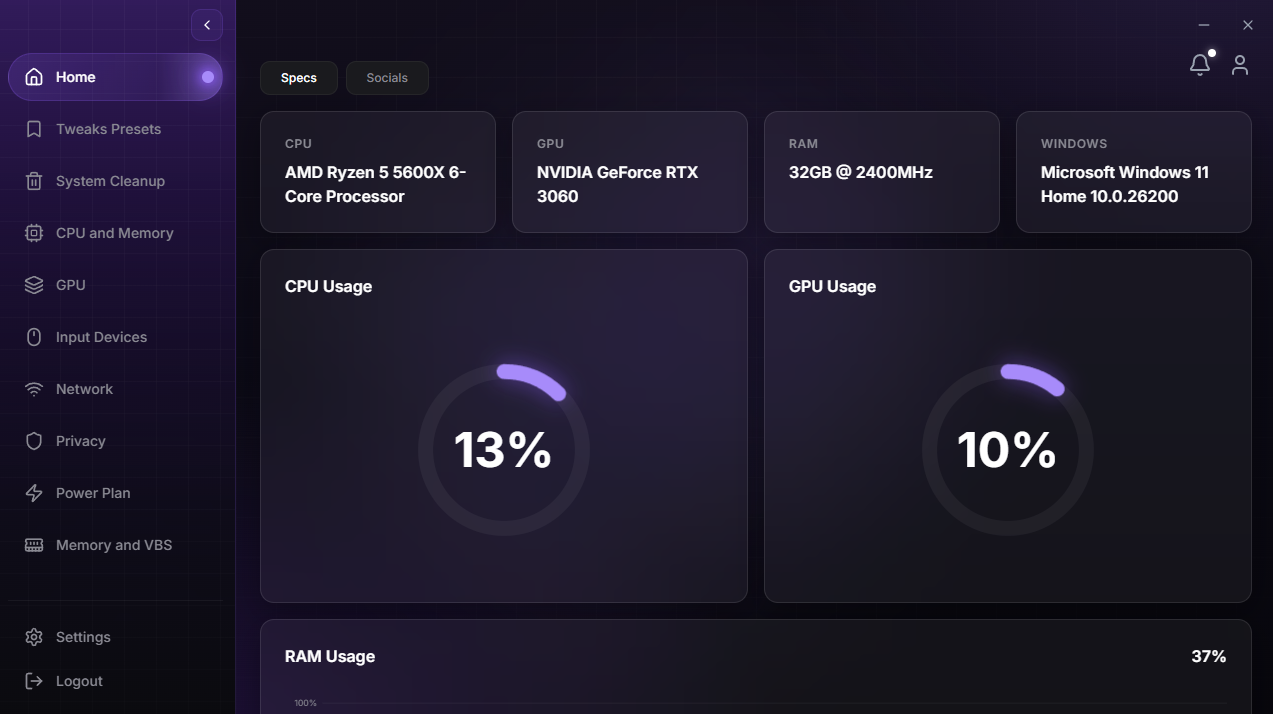
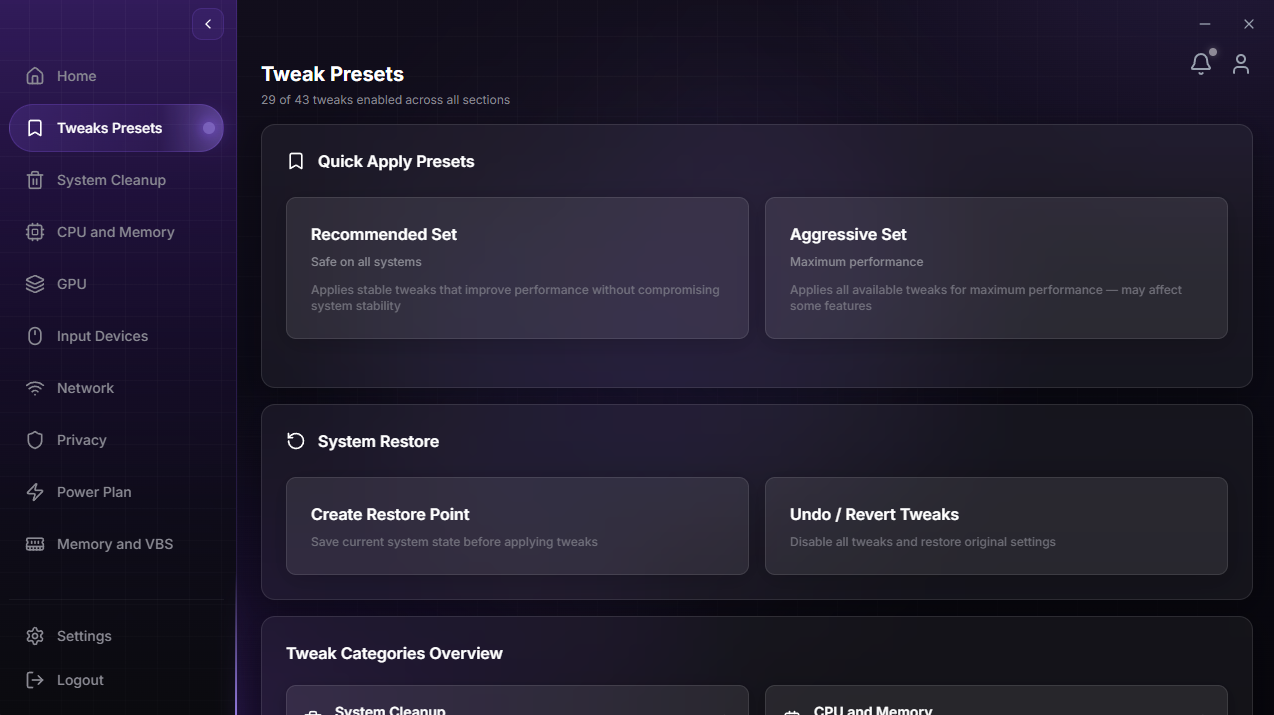
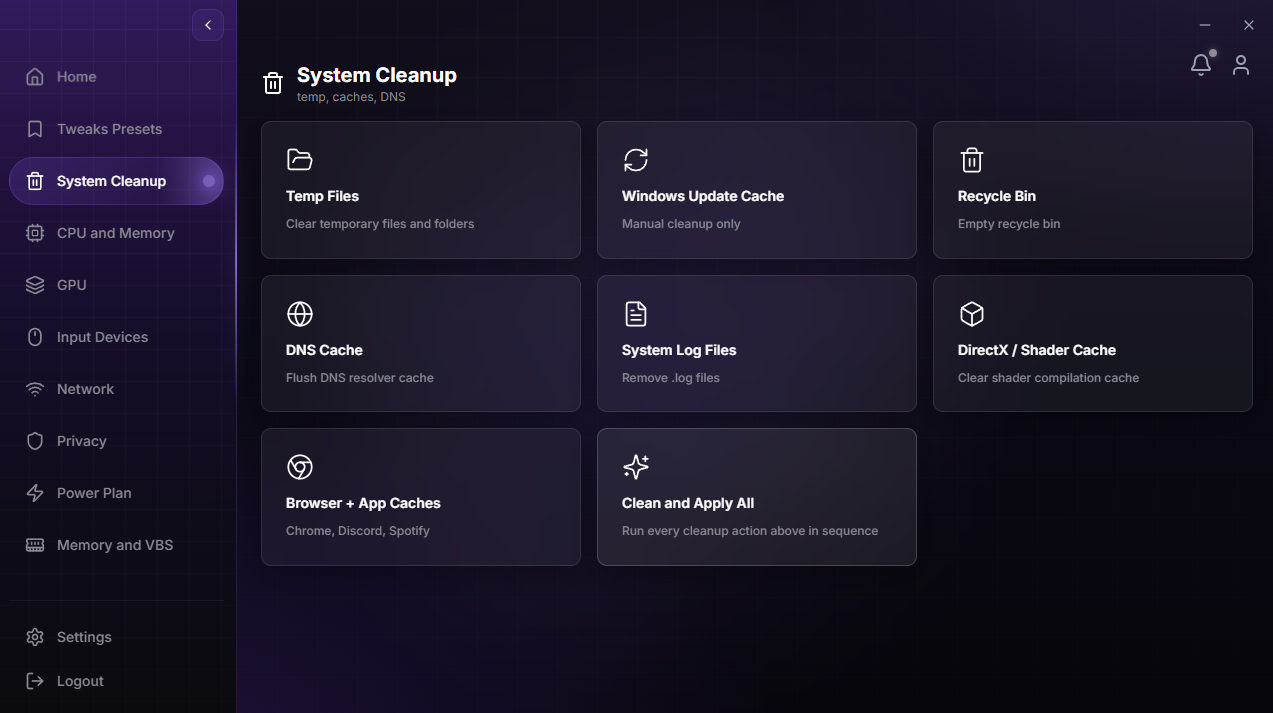
Ten one-click tools in a single app - flip through each, then unlock a lifetime license.
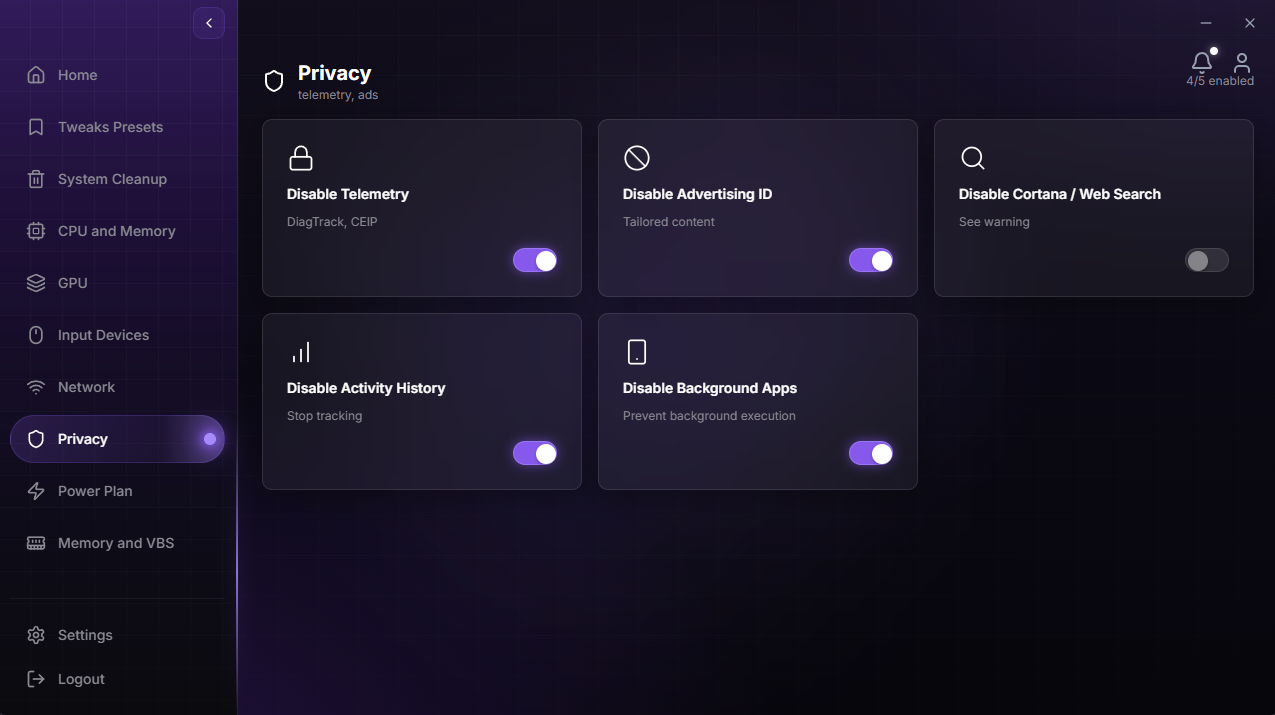
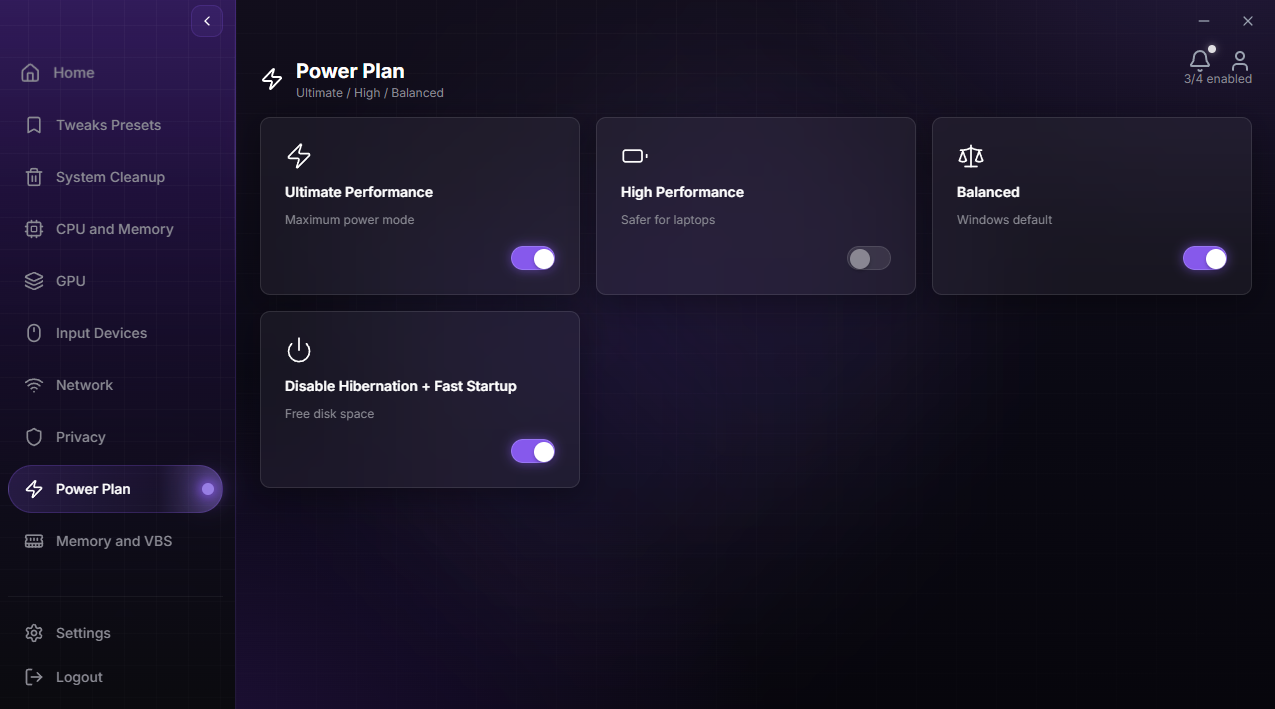
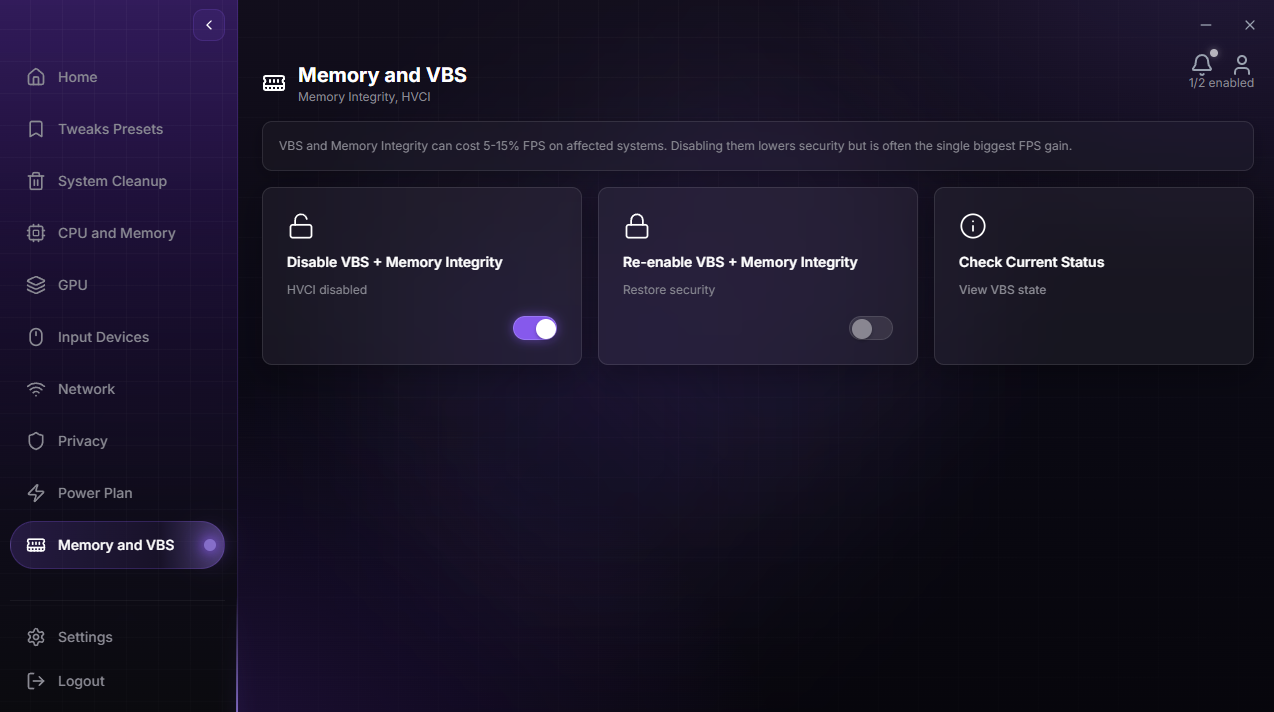
Player feedback
What players are saying.
Gained about 25 fps in Warzone and my 1% lows are noticeably steadier. Took maybe two minutes.
Ping went down roughly 15ms on my line. It's not magic, but I feel it in ranked.
Frametimes look flatter on the overlay now. Less stutter, especially loading shaders.
Cleaner boot, fewer background tasks, and my game launches faster. Worth every cent.
Finally something that explains what each tweak does before applying it. Felt safe.
I'm not technical at all and still got a clear FPS bump. One click really did it.
FAQ
Your questions, answered.
Is it safe for my PC?
Yes. DuckyTech only applies tested, reversible tweaks and creates a full restore point before anything changes. One click rolls everything back to exactly how it was.
Will it really boost my FPS?
Gains depend on your hardware and how much background bloat you're running, but most users see a 30-40% FPS increase and noticeably smoother 1% lows. The live overlay lets you measure it yourself.
Is this a subscription?
No. DuckyTech is a one-time $30 purchase. That includes a lifetime license, free updates, and new game profiles forever.
What are the system requirements?
Windows 10 or 11 (64-bit), 4GB RAM, and around 50MB of disk space.
How many PCs can I use it on?
A single license activates on one PC. Moving to a new machine? Reach out and we'll help you transfer it.
YouTube
Discover our channel. Optimize today.
Real tweaks, benchmarks and step-by-step guides - watch how players unlock free performance, then do it on your own rig.

Community
Join the DuckyTech Discord.
Live support, tweak guides and early builds - straight from the team and thousands of players who refuse to leave FPS on the table.
Join the Discord